
Getting Started with MyDEA
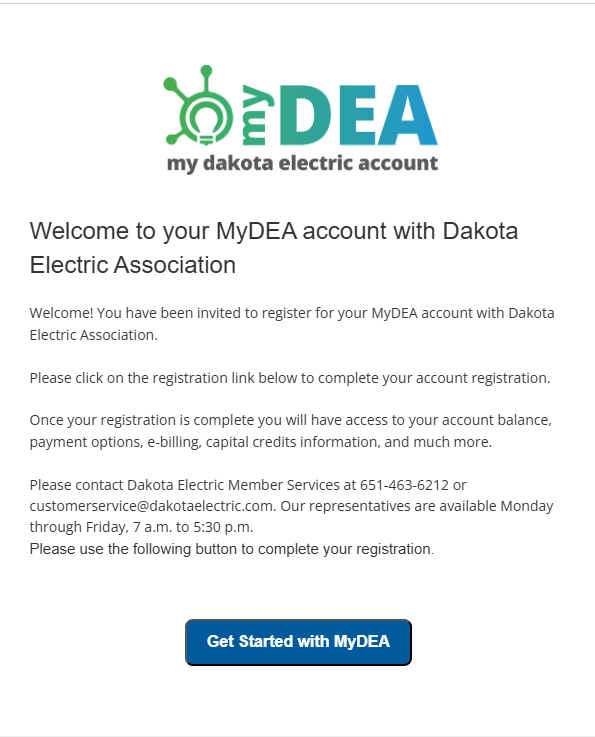
Members who have provided an email address to Dakota Electric will receive an individualized message in late February when account setup opens. Be sure to check your junk mail!
Members who do not have an email address on file can visit this website after February 23 to set up their account.
ACTION REQUIRED
Every member must set up their new account.
Existing account numbers will not transfer to the new system. Each member will receive a new account number.
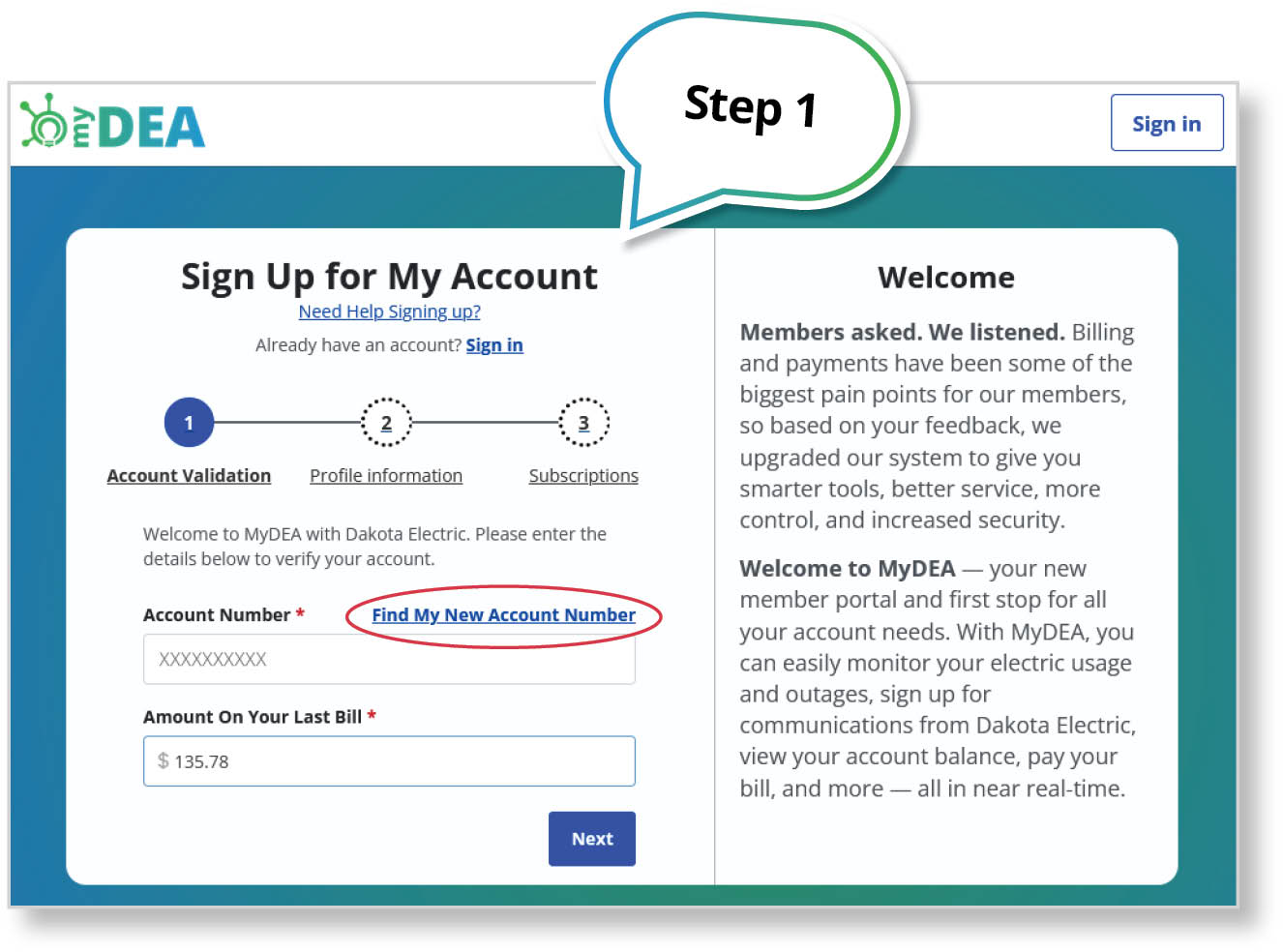
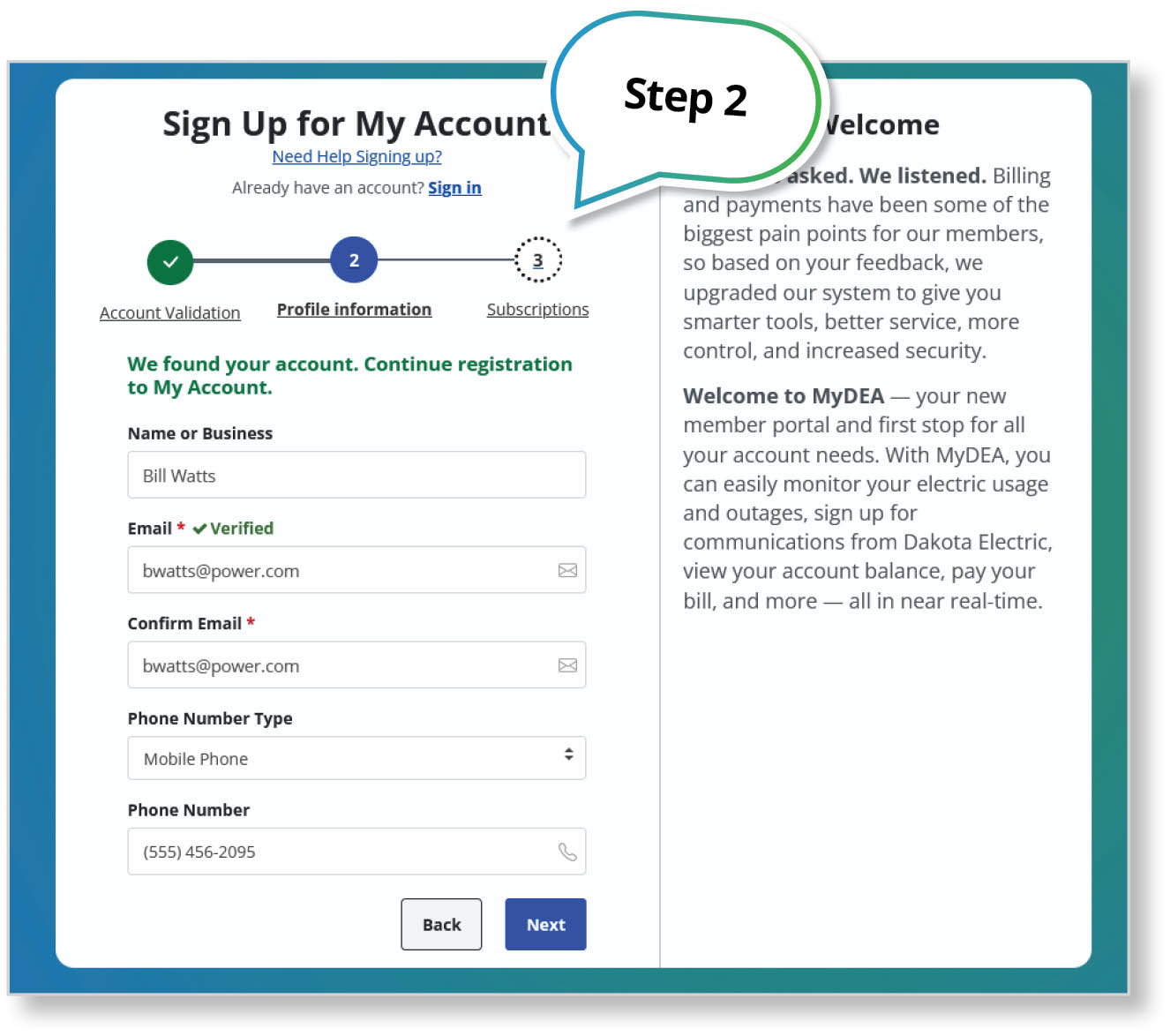
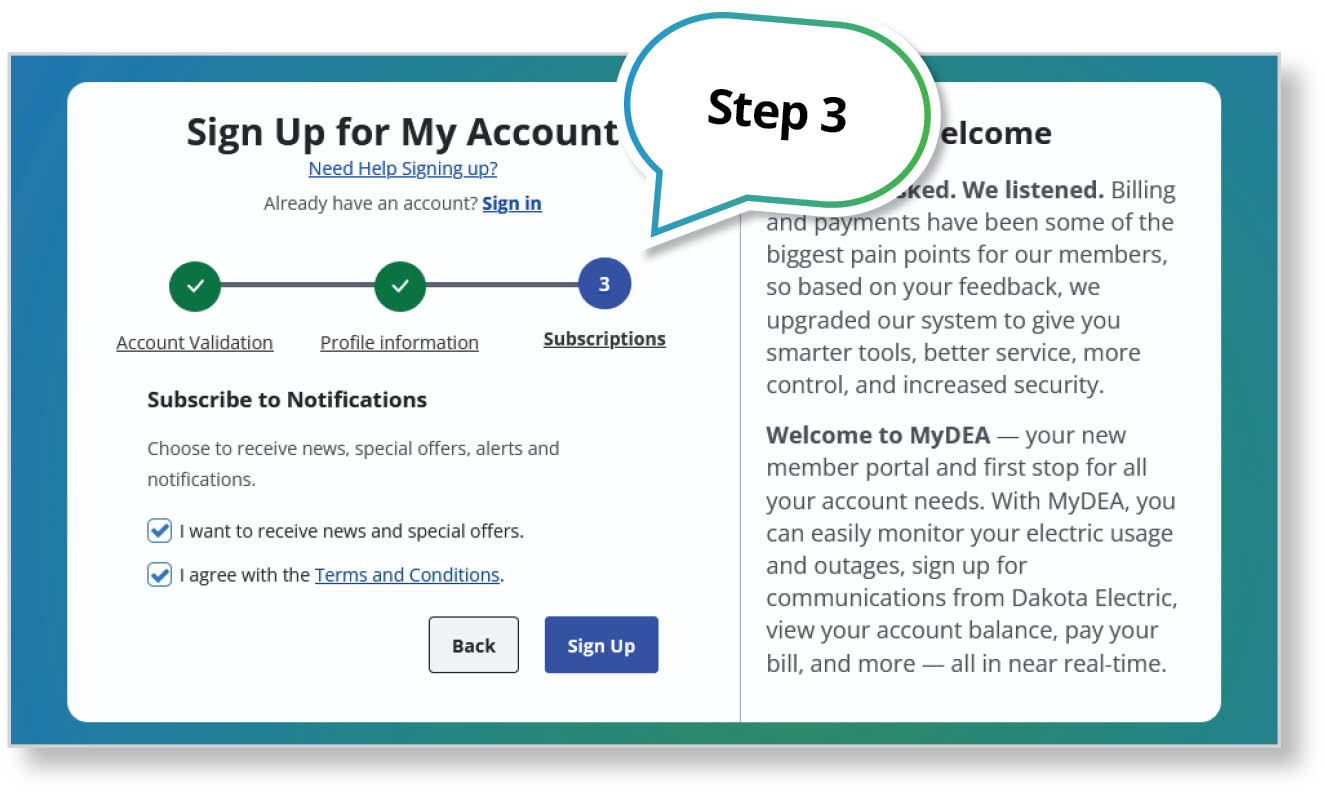
Create Your MyDEA Account
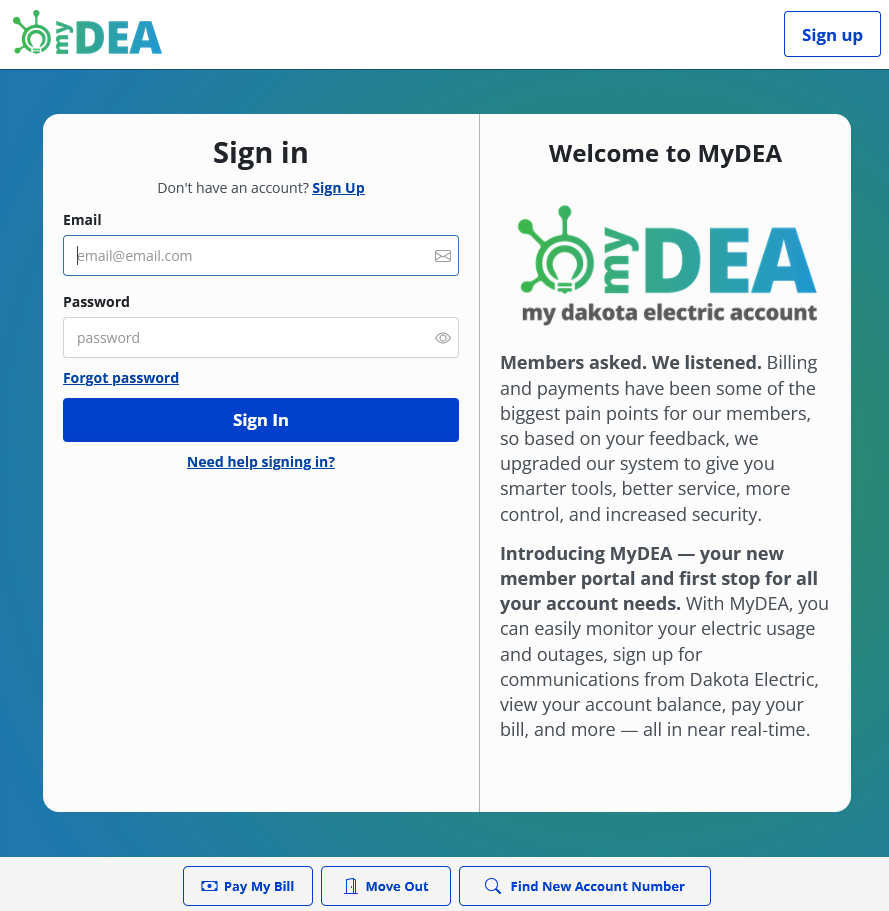
DON’T KNOW YOUR NEW ACCOUNT NUMBER?
Select “Find My New Account Number” during step one.
You will need your old account number to locate your new account number.
If you have already received your new bill, your new account number can be found at the top of the bill.
Once step three is complete, you will receive an email to set up your password.
ACTION REQUIRED
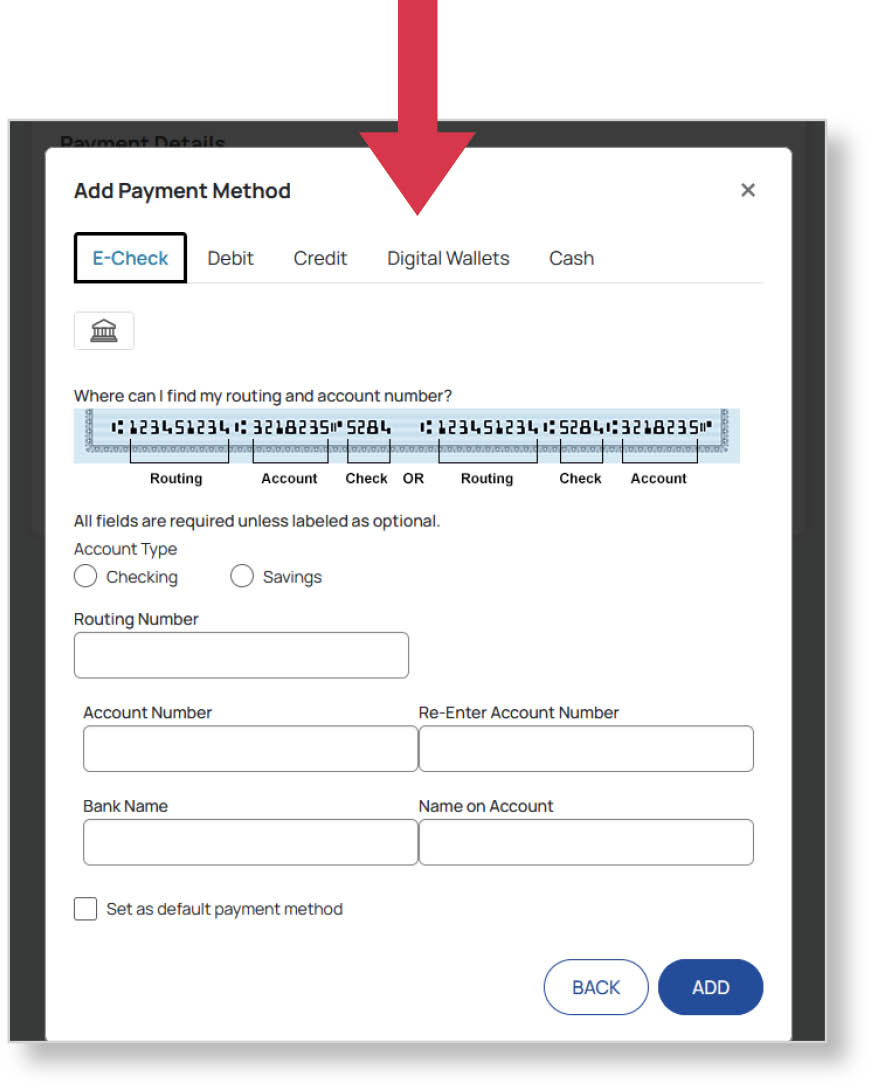
Members enrolled in EFT or AutoPay will need to re-establish their payment method once logged in. If this step is not completed, payments will not process.
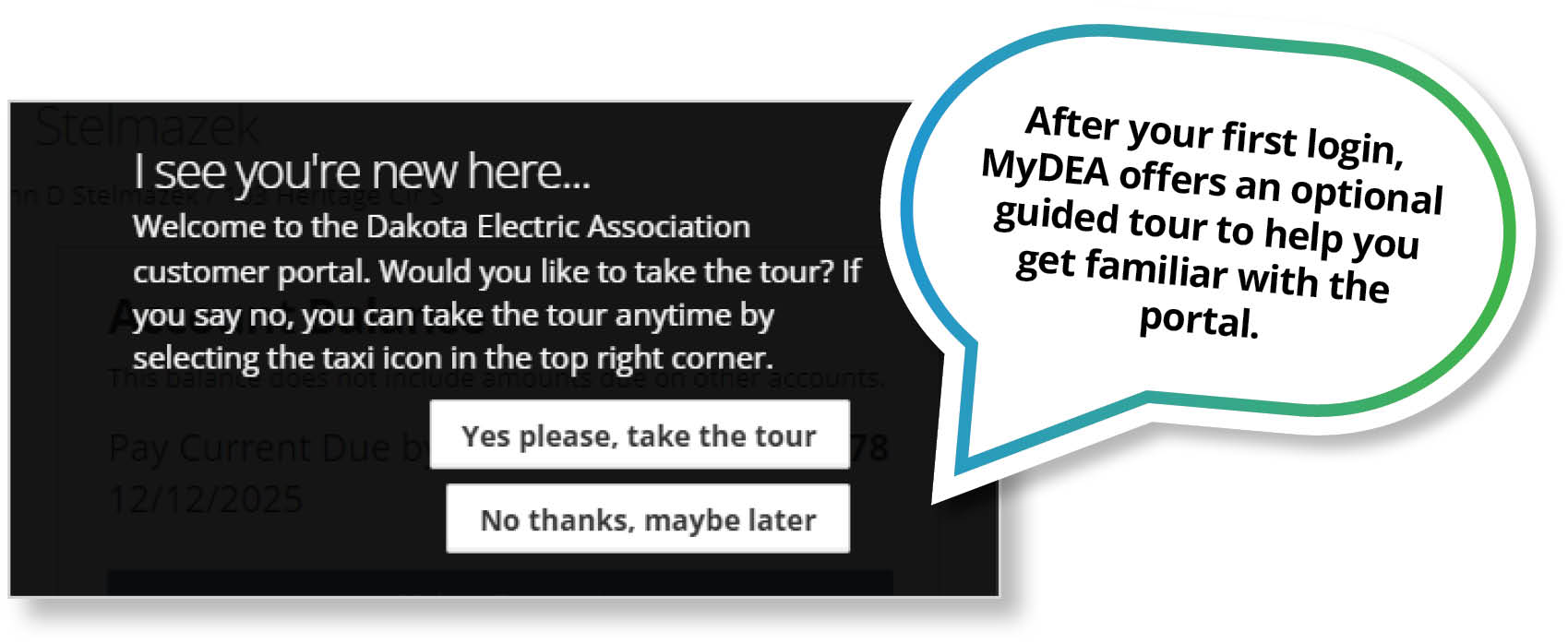
Inside MyDEA
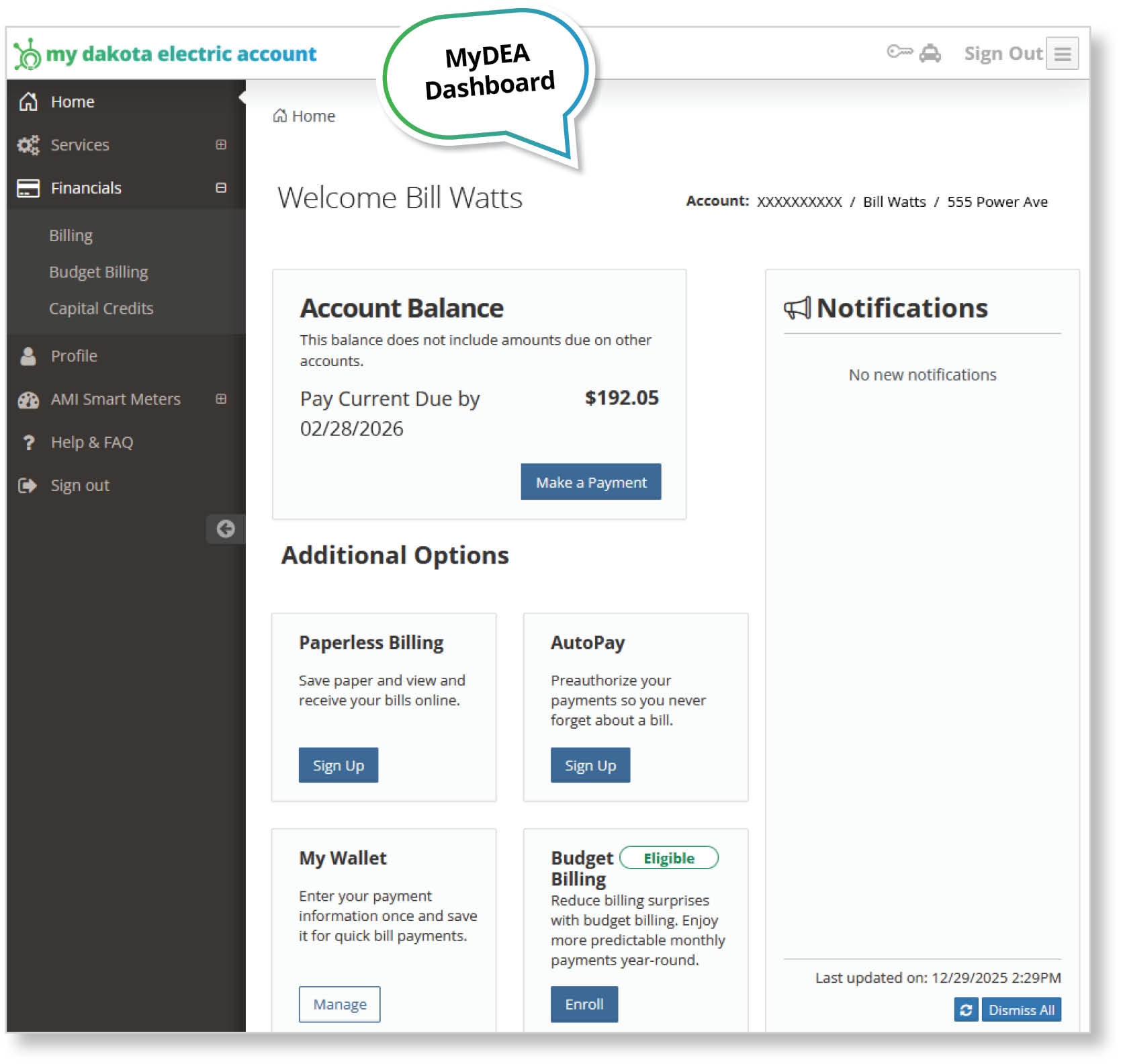
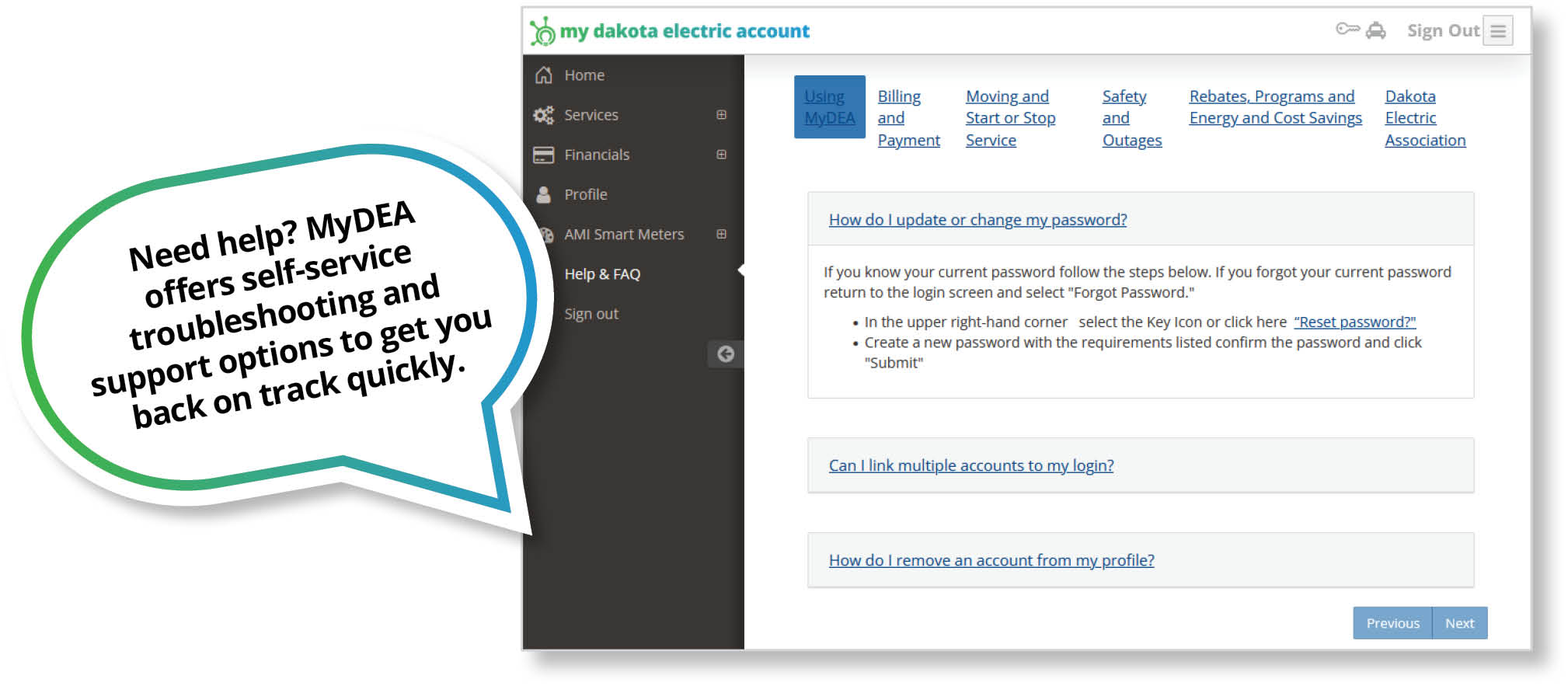
MyDEA dashboard features
- View balances, bills, and payment history
- Monitor and compare energy usage
- Make payments and manage payment options
- Report outages and receive updates
- Manage account settings and notifications
- Access rebate submissions and account services